
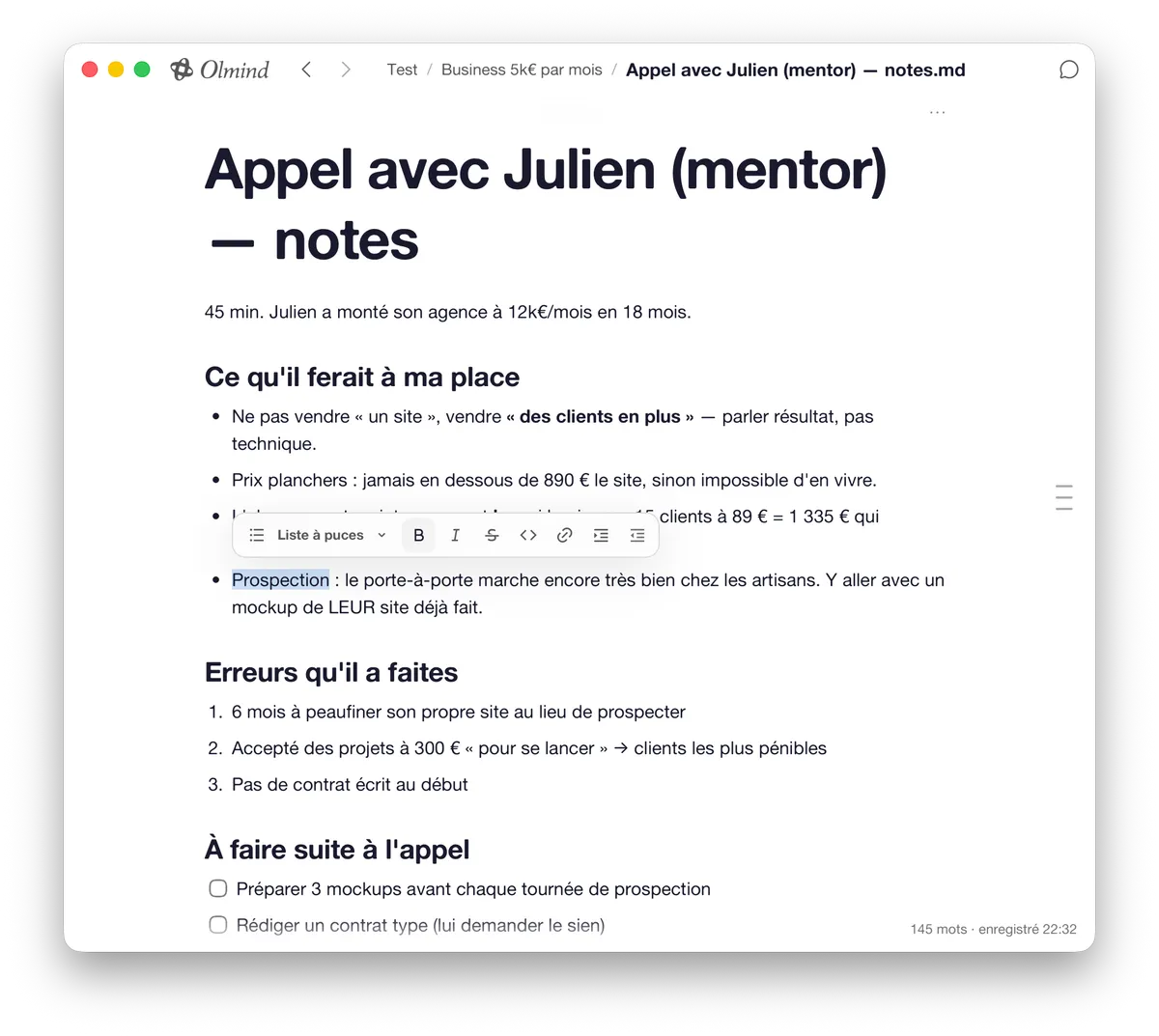
Write like in Notion.
Notes, lists, meeting minutes. Put your ideas where your project moves forward.
Stop repeating your context · Save tokens · Save time
Add your files, links and notes to a project. Your market research and customer feedback become context for your next conversation.
Gather all your useful information
Connect them to your AI
A screenshot, a bookmarked article, a post you liked. Olmind offers to keep them in your project, right when you find them.
Try for freeNotes, lists, meeting minutes. Put your ideas where your project moves forward.
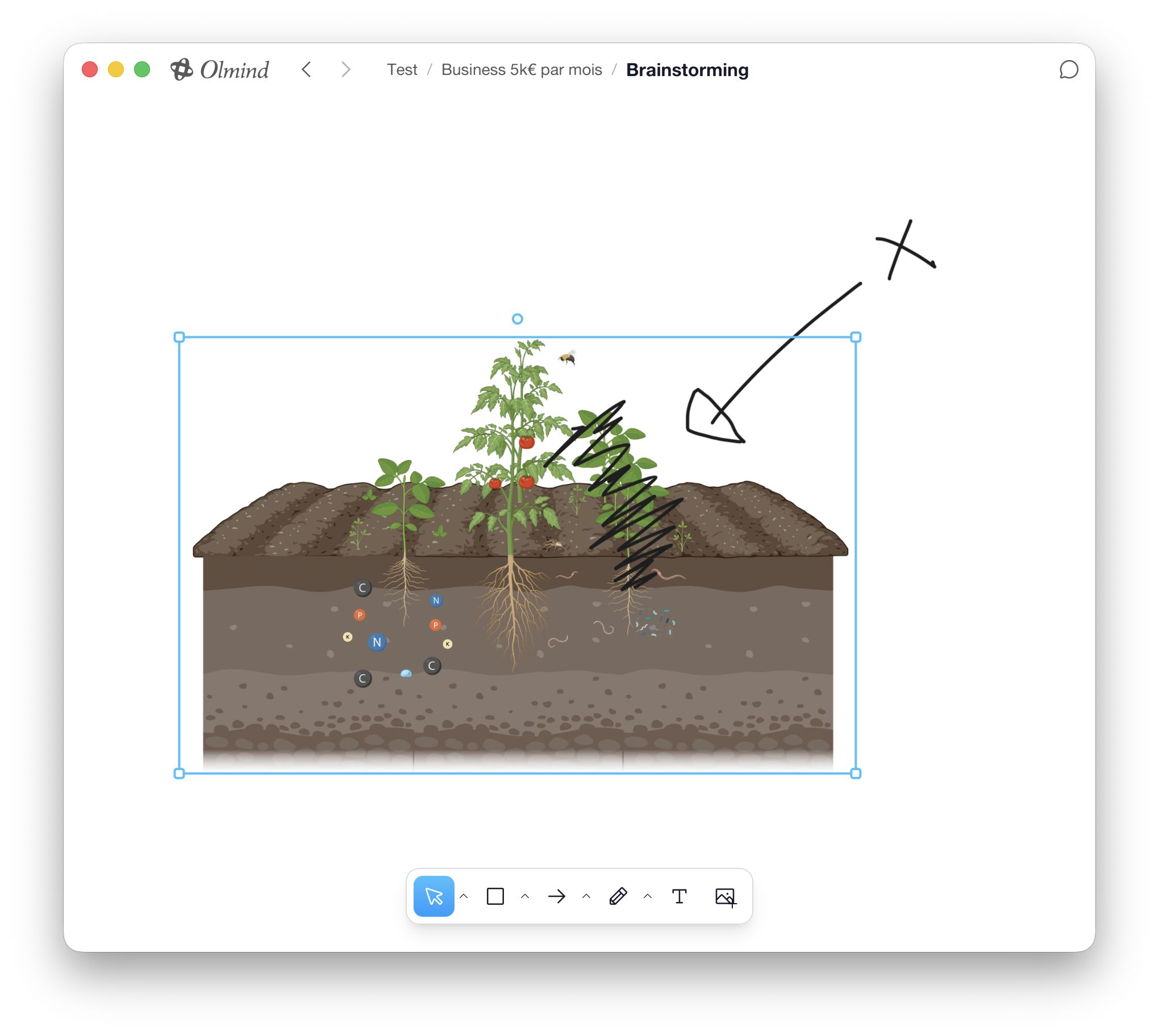
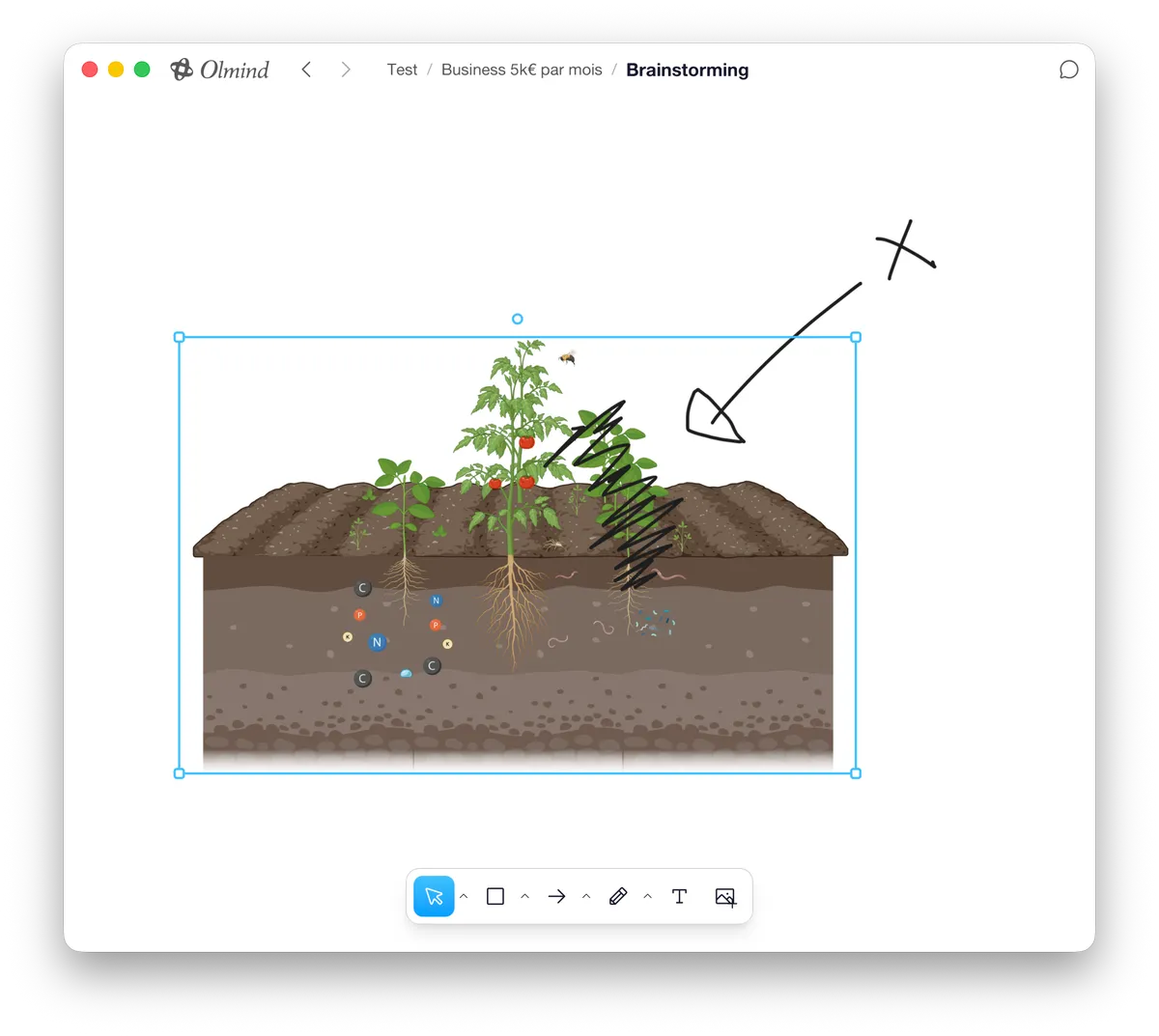
Diagrams, sketches, images. A whiteboard to think freely, right inside your project.
Your goals, decisions and constraints: Olmind keeps a memory you can review and correct. Your thinking carries forward from one conversation to the next.
Try for freeThis PDF, that video and this note cover the same topic. Olmind connects them.
Goals, decisions, constraints: what matters stays visible and editable.
When Olmind answers, the links light up. You see where the answer comes from.
| What matters to you |  Olmind Olmind |  Notion AI Notion AI |  Obsidian Obsidian |  MyMind MyMind |  Mem.ai Mem.ai |  Readwise Readwise |
|---|---|---|---|---|---|---|
| Direct AI access to local files¹ | Included | Not built in | Not built in | Not built in | Not built in | Not built in |
| Proactive capture | Included | Not built in | Not built in | Not built in | Not built in | Not built in |
| No manual filing | Included | Not built in | Not built in | Included | Included | Setup needed |
| Answers with sources | Included | Included | Not built in | Not built in | Unverified | Included |
| Knowledge graph | Included | Not built in | Manual links | Not built in | Not built in | Not built in |
Very different projects, the same clear mind.
50% less time searching
Honestly? I got rid of all my folders and subfolders. I drop all my inspiration, screenshots and scripts into Olmind without thinking. Three weeks later, I type a keyword or an idea and it gives me exactly what I need. Brilliant.
 Camille V.Content Creator
100% of my context under control
The problem: As a solo founder, I was spending an hour a day looking for my own notes, customer feedback and product specs scattered across four different apps. The solution: Olmind became my instant second brain. No more filing: the AI understands my documents' context and makes logical connections on its own. The result: Half the mental load and complete clarity on my product roadmap.
 Clara B.B2B SaaS founder
3× faster discovery
It's the only tool that doesn't force my brain to think in folder trees. A giant moodboard, searching by color or feeling, and my final-project ideas organizing themselves. Work feels fluid again.
 Lucas R.Master's student in Product Design
100% of files organized
Between medical updates, following complex cases and pharmacology notes, the daily volume of information was becoming unmanageable. Olmind has become my central archive. I no longer need to spend time categorizing documents: when I need a specific protocol between consultations, the assistant finds it in seconds from a simple natural-language query.
 Dr. Antoine V.General practitioner
Search time cut in half
500 pages of legal submissions summarized in two seconds. I no longer prepare my cases without Olmind.
 Sarah L.Business lawyer
Nothing forgotten on projects
On a construction site, I need to find a measurement, material sample or quote on my phone in five seconds, in front of the client. I take a photo, jot down a note, and Olmind connects everything. It's simple: I haven't 'lost' a reference since I started using it.
 Marc O.Interior architect
5+ hours saved per week
Most organization tools ask you to become an archivist before you can be creative. You spend more time maintaining your system than producing anything. What won me over about Olmind is how unobtrusive it is: the system steps aside for thought. I bring together history and geography sources, reading notes and drafts in one space. The AI doesn't replace my thinking; it stimulates it by suggesting connections between concepts I might have hesitated to bring together.
 Claire P.Teacher & author
By subscribing, you accept the Terms of Sale.
By subscribing, you accept the Terms of Sale.
Another question? Join the community.
A copilot for your projects. Olmind gathers your files, links and notes on your Mac, then talks with you using all of that context.
Anyone running a project: launching a brand, writing a book, training for a marathon, renovating a house. If your project is scattered across ten apps, Olmind is for you.
Your resources are gathered on your Mac. With a local model, nothing leaves the machine. With an online model, the context sent to the model leaves your Mac. You choose local or online mode for each project. Online, Olmind selects the model.
Files, PDFs, images, videos, notes, whiteboards and links: YouTube, Instagram, TikTok, X and any web page, through the browser extension.
Olmind is available on Mac. Windows, Linux and mobile are on a waitlist.
Yes. Download Olmind for free and start with your own project: your first recap is on us, so you see what Olmind understands of it. A subscription is needed to continue.
Yes. Cancel whenever you want from “Manage subscription” (in the app or at the foot of this page), or through the “Cancel your subscription” page, no account needed. It takes effect at the end of the period already paid. And within 14 days of a purchase, you can withdraw from it on the “Withdraw from the contract here” page.
You'll be notified as soon as Olmind is available on your platform.
You'll be notified as soon as Olmind is available.


